





Website redesigns
We redesign and rebuild ecommerce stores. Here is how we do it, step by step.


How we redesign a store
Six steps we follow on every redesign.

- 01
We look at your store and its numbers.
We check your sales, analytics and how shoppers move through the store today.
- 02
We plan the pages and the menu.
We decide which pages you need and how shoppers will find your products.
- 03
We draw simple layouts first.
We agree the layout of each page on phone and computer, while changes are still easy.
- 04
We design every page in your brand.
We design each page with reusable parts, so new pages match the rest of the store.
- 05
We build the store on your platform.
Our developers build the agreed pages, apps and links to your other systems.
- 06
We test, launch and check the numbers.
We test on phones and computers, launch, then compare sales before and after.
What we check before we start
Four rules our team follows on every redesign.

We keep what
already works.We find the pages that sell well before we change anything.

We check what your
platform can do.We plan only what your platform can support, and say so early.

We protect your
Google traffic.We list your page addresses and plan redirects before launch.

We agree the
scope in writing.Pages, features, links and support are agreed before we start.
What we redesign
The parts of a store we design and build, and what each one covers.
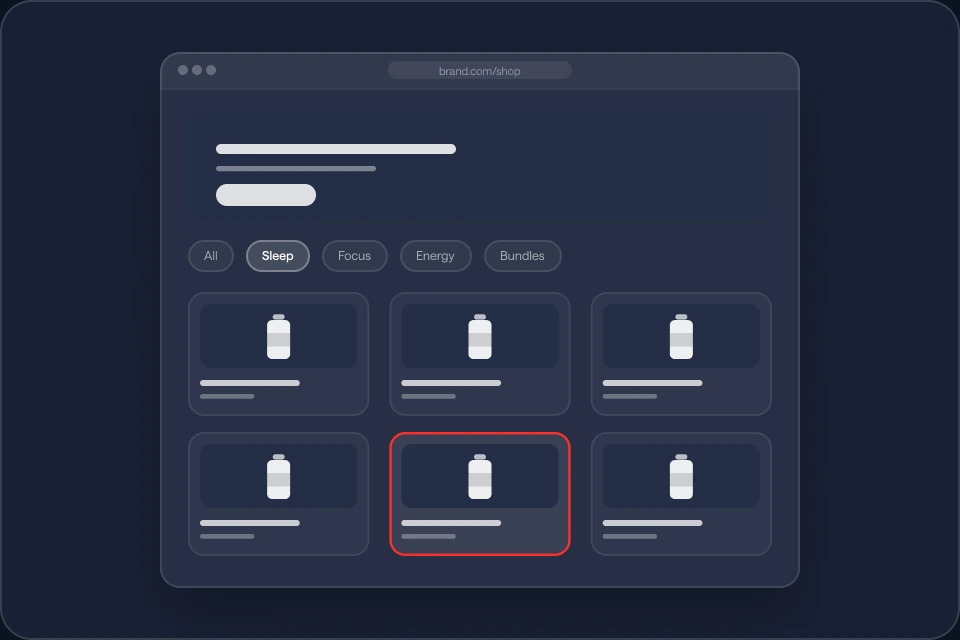
Homepage and collections
Show what you sell and help shoppers find the right products.
What we cover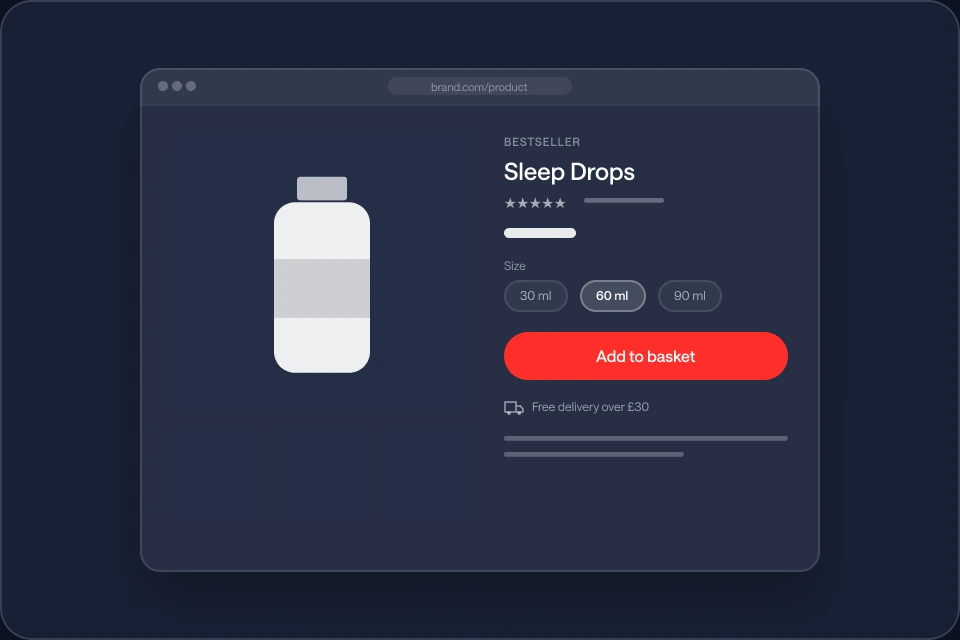
Product pages
Clear photos, details and options, so shoppers can choose.
What we cover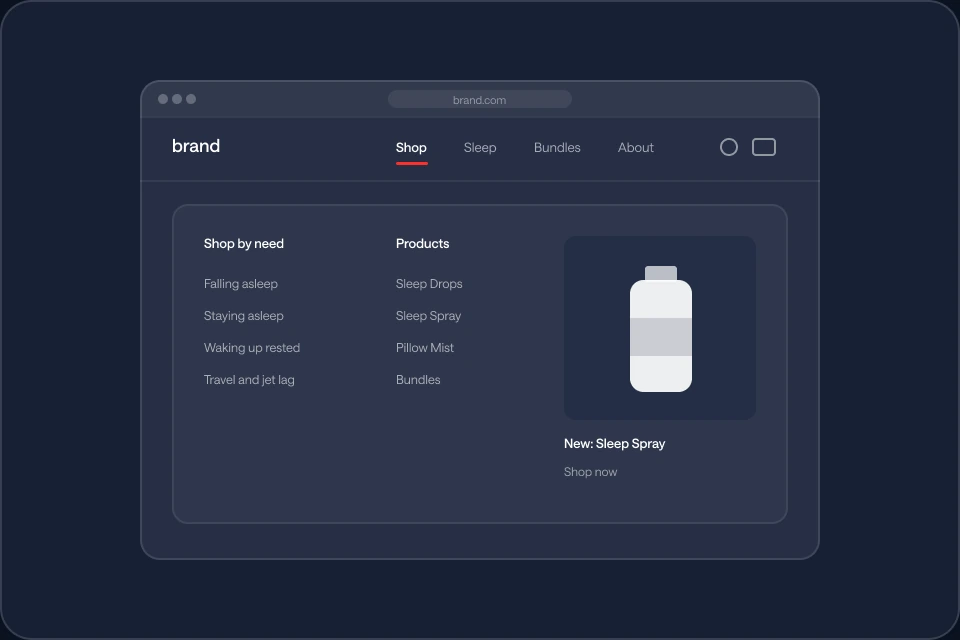
Navigation and site structure
A simple menu and page order that still works as your range grows.
What we cover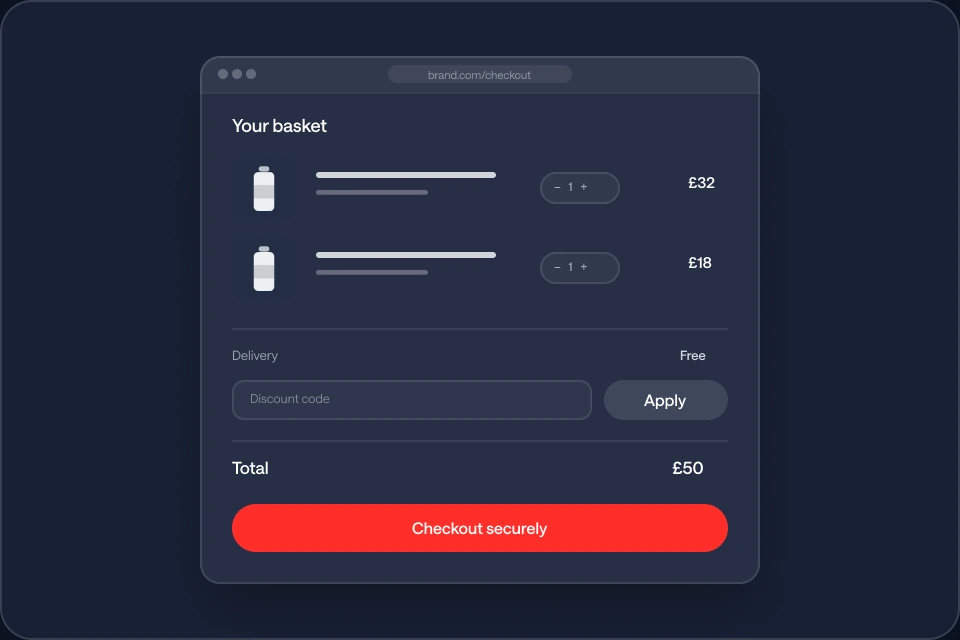
Basket and checkout
Clear steps from basket to payment, where your platform allows.
What we cover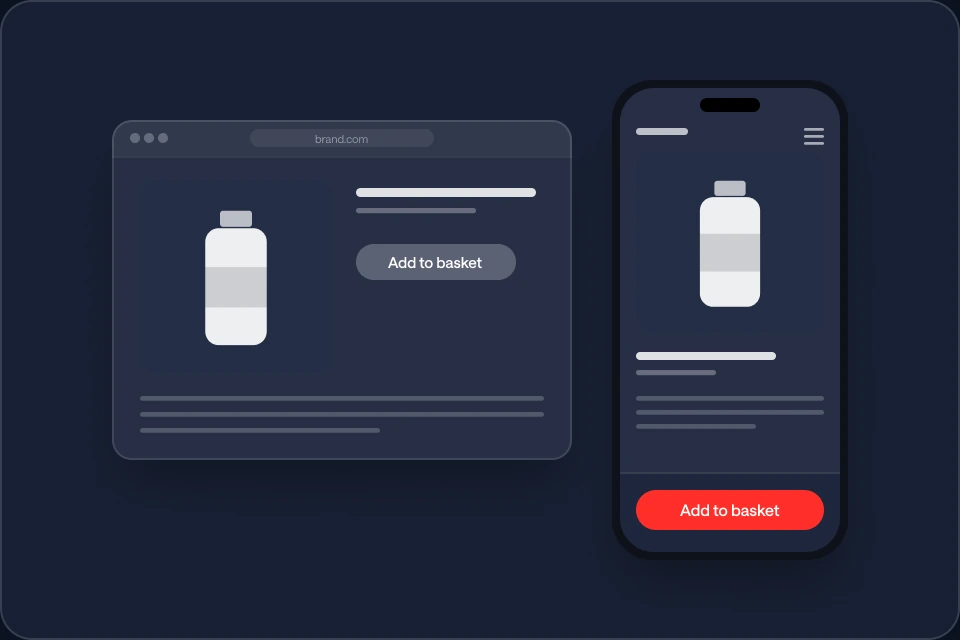
Mobile experience
Pages planned for the phone first, with easy menus and buttons.
What we cover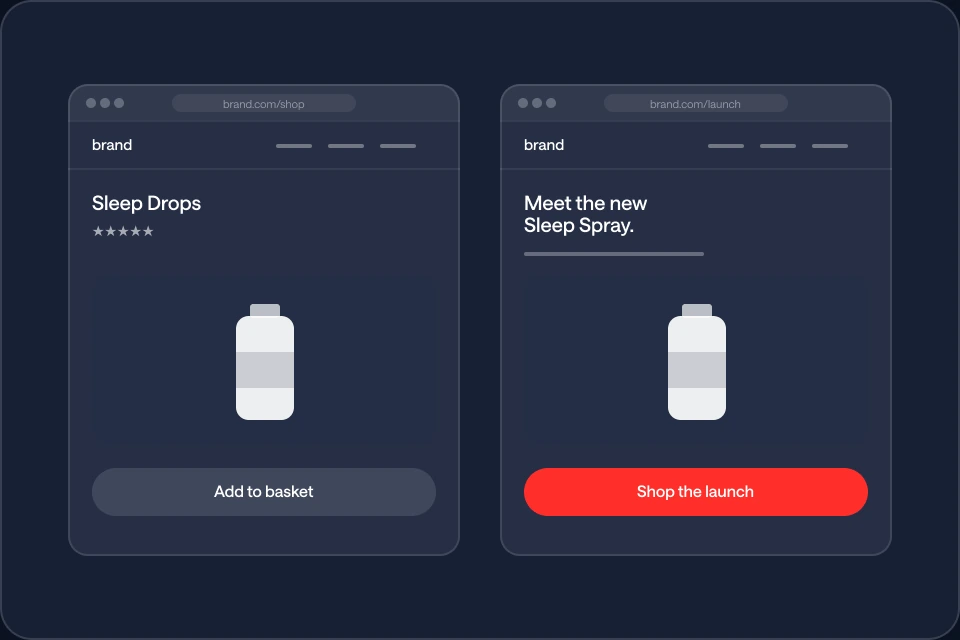
Campaign templates
Pages for ads and launches that look like the rest of your store.
What we cover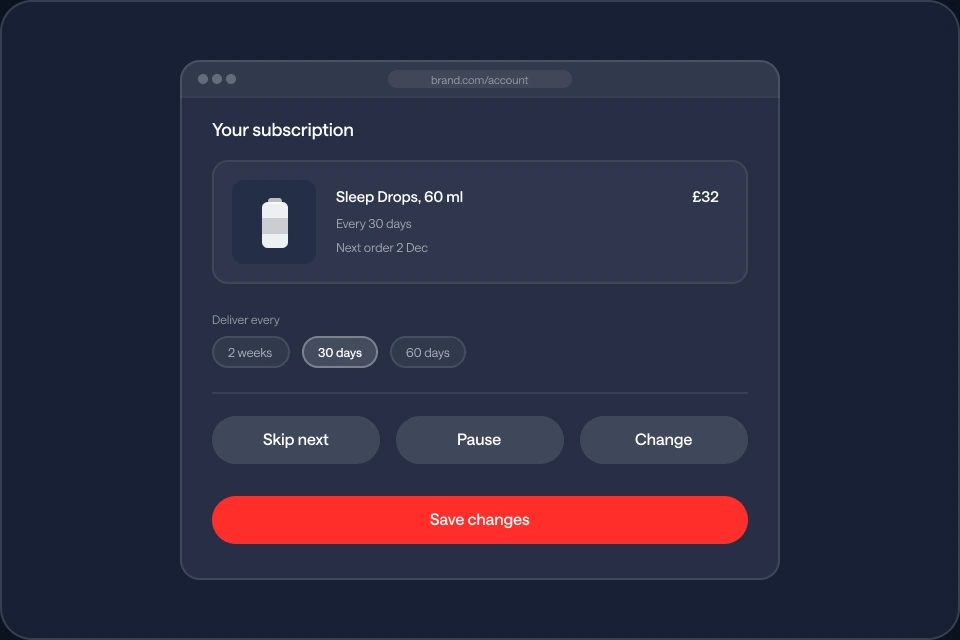
Subscriptions and accounts
Simple ways for customers to skip, pause or change an order.
What we cover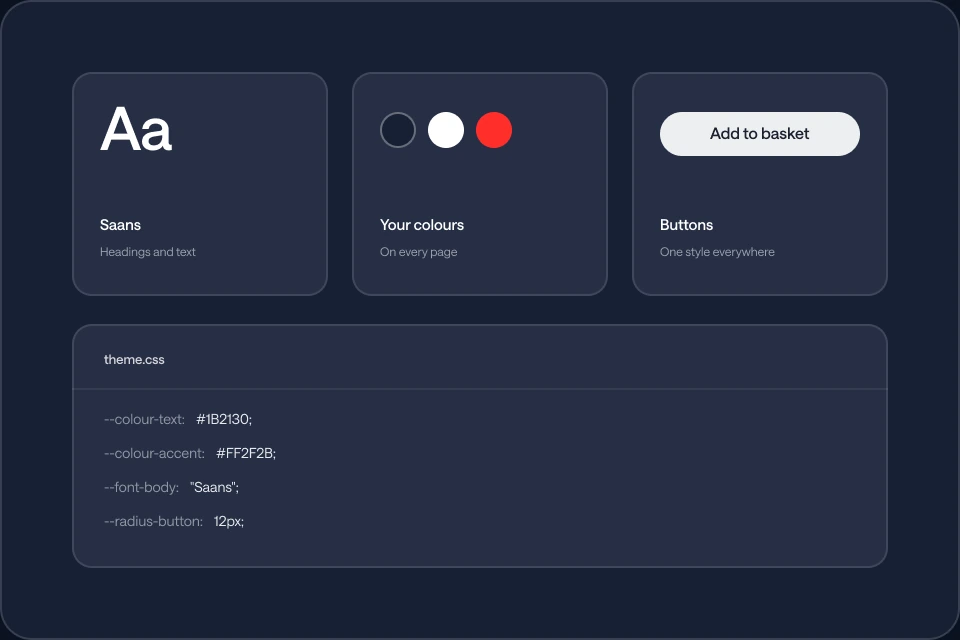
Your brand and the code
Your fonts and colours on every page, with code that is easy to update.
What we cover
Platforms we work on
We redesign on your current platform where we can, and build custom when you need more.
- Shopify and Shopify Plus
- WooCommerce
- Adobe Commerce
- BigCommerce
- Salesforce Commerce
- Shopware
- Wix eCommerce
- Squarespace Commerce
- HeadlessA separate front end, if needed
- Custom storesBuilt around how you work
What we can build
- Custom storefronts
- Custom page templates
- Product builders
- Subscription portals
- Links to CRM and delivery
- Custom checkout, where allowed
- Headless storefronts
- Moving to a new platform
Ways we can scope it
- Full store redesign
- Reusable parts and templates
- Key pages only
- Store and subscriptions
- New platform and redesign
- Redesign plus ongoing work
We agree the exact scope, integrations and support before we start.
How we check our work
How we make sure the new store works, before and after launch.
Journeys we test
 Product, basket and checkout
- Search, menus and filters
- Subscription and account actions
- Redirects from old pages
- Layouts on every screen size
Tested on phones and computers
We test key pages on the phones, computers and browsers your customers use.
Speed checked
We check page speed before launch, so the new design does not slow the store.
Google traffic kept
We set up redirects and check old links, so pages keep their place in Google.
Tracking checked
We check that analytics and ad tracking record sales correctly on the new store.
Your systems tested
We test apps, payments, subscriptions and delivery links before launch.
Sales compared before and after
We note your numbers before launch and compare them after, so you can see what changed.
What you receive
A new store, and everything you need to run it.
Every new store comes with
We check sales before and after launch, so you can see what changed.
 Every page template
- Redirects from old links
- Tracking set up and tested
- Sales before and after
- Speed checked
- Apps and payments tested
- How to edit each page
The new store
Live on your platform, tested on phones and computers.
The design files
Every page and part in Figma, so your team can make new pages that match.
A handover
We show your team how to edit pages and products without needing us.
Common questions
Answers to questions about working with us.
It depends on what you need. It can be the whole store or only some pages, from planning to launch.
Yes. We can redesign on the platform you use now. If it no longer fits, we can talk about moving.
Yes, when you need it. We first check if your current platform can do the job.
It can remove things that make buying harder. We cannot promise a number, so we compare sales before and after.
It can help when people cancel because the portal is hard to use. We cannot promise a set drop.
Big changes can affect search. We plan redirects and check pages, so important pages keep their place.
It depends on the size of the store and its features. We agree the dates with you before we start.
Yes. We check the numbers after launch. Ongoing design and development work can be added.
Talk to us about your store
- zain@redpxl.uk
- Phone
- +44 7525 832432
- Office
- Canary Wharf, London
- Hours
- Mon to Sun, 09:00 to 18:00
Want us to look at your store? Send us a message.